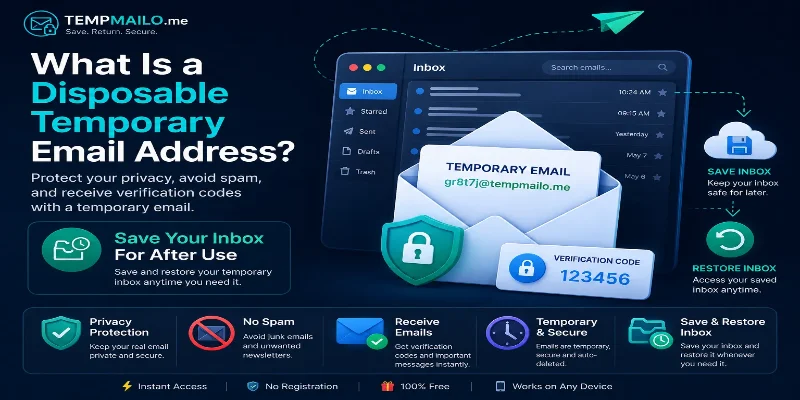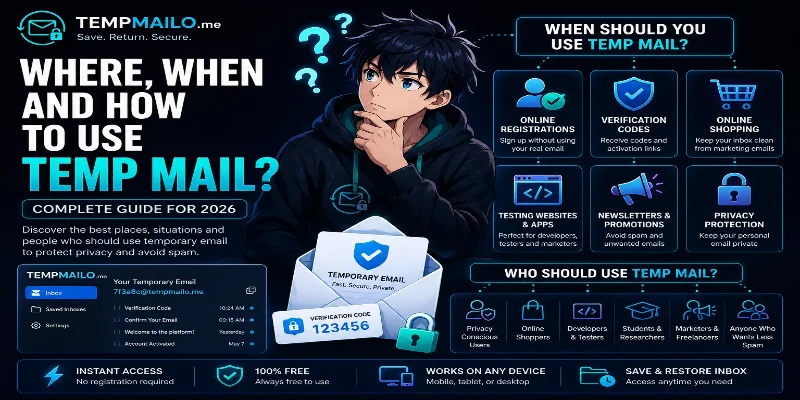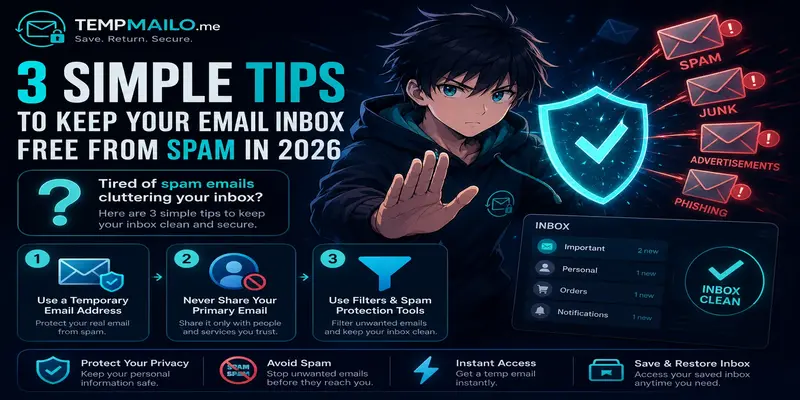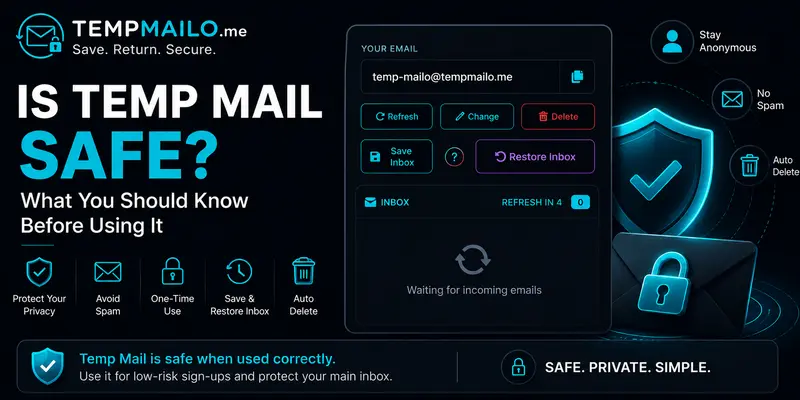
Using a temporary email address can be a smart way to protect your personal inbox, reduce unwanted messages, and receive online verification emails without giving your real address to every website.
But like any privacy tool, it works best when you understand where it helps and where it should not be used. This guide explains the benefits, limits, and safe habits to follow before using a temporary inbox.
Table of Contents
- Quick Answer
- How Temporary Email Works
- Safe Uses
- When to Avoid It
- Privacy Benefits
- Possible Risks
- Save & Restore Inbox
- Safety Checklist
- Frequently Asked Questions
- Related Guides
Quick Answer
Yes, temp mail is safe for simple and low-risk online activities. It is useful for receiving confirmation emails, testing websites, joining forums, downloading free resources, and keeping your main inbox away from spam.
It is not recommended for important accounts such as banking, work, school, government services, cloud storage, or password recovery. Those accounts should always use a permanent email address that you control.
You can create a free temp mail address on TempMailo and start receiving messages instantly.
How Temporary Email Works
A temporary inbox works like a regular email address for receiving messages. The difference is that it is designed for short-term use instead of long-term personal communication.
When you visit a temporary email service, an address is generated for you. You can copy it, use it on another website, and wait for incoming messages such as verification codes or activation links.
This helps you avoid sharing your personal address with websites you do not fully trust or may only use once.
For a broader explanation, read our guide about temporary email.
Safe Uses
Temporary inboxes are best for situations where you need quick access to an email but do not want long-term communication from the website.
- Signing up for a website you want to test
- Receiving a one-time verification code
- Downloading a free file or resource
- Testing contact forms or registration systems
- Joining forums or communities temporarily
- Avoiding promotional messages in your real inbox
These use cases are low-risk because they usually do not involve private documents, payments, or account recovery.
When to Avoid It
Temporary email is not the right choice for every account. If an account is important, personal, financial, or difficult to replace, use your real email address.
Avoid temporary inboxes for:
- Bank accounts and payment platforms
- Government or legal services
- Work and business accounts
- School or university accounts
- Password managers
- Cloud storage services
- Medical or insurance portals
The rule is simple: if losing access would create a serious problem, do not use a short-term inbox for that account.
Privacy Benefits
Many websites ask for an email address before giving access to content, downloads, trials, or communities. Over time, this can fill your real inbox with newsletters, ads, and messages you never wanted.
A disposable email address gives you a layer of separation. It lets you receive the message you need without giving every website direct access to your personal inbox.
This can help you:
- Reduce spam
- Protect your main email address
- Limit tracking from unknown websites
- Keep your inbox cleaner
- Test services before trusting them
Possible Risks
The main risk is using a temporary inbox for something too important. Some websites rely on email for password resets, login alerts, and account recovery. If you cannot access that inbox later, you may lose access to the account.
Another issue is privacy level. Some temporary email services use public inboxes, meaning messages may not be suitable for sensitive information. You should never receive personal documents, passwords, payment details, or private messages through a temporary inbox.
Temporary email is useful, but it should be treated as a privacy and convenience tool, not as a replacement for a secure personal email account.
Save & Restore Inbox
One problem with many disposable inboxes is that access can disappear after the session ends. This can be annoying if a verification email arrives late or if you need to check the inbox again later.
TempMailo includes a Save & Restore Inbox feature. It allows you to save a mailbox with a password and restore it later when needed.
This makes the service more flexible for users who want privacy but may still need future access to selected messages.
Learn more about this option on the Save Temp Email page.
Safety Checklist
Before using a temporary inbox, follow this simple checklist:
- Use it only for low-risk websites.
- Do not use it for banking, work, or government accounts.
- Do not receive sensitive documents or private data.
- Use a permanent email for accounts you need to recover later.
- Save the inbox if you may need access again.
- Read the website’s privacy policy before sharing information.
Following these habits helps you benefit from privacy protection without creating unnecessary risk.
Frequently Asked Questions
Can temporary email receive verification codes?
Yes. It can receive many verification codes, activation links, and registration messages from online services.
Can I use it for social media?
It may work for short-term testing, but important social accounts should usually be connected to a permanent email address.
Does it help reduce spam?
Yes. Since your real address stays private, unwanted messages are less likely to reach your main inbox.
Can I recover the inbox later?
With TempMailo, you can save selected inboxes and restore them later using the Save & Restore feature.
Is it legal?
Yes. Temporary email is a legal privacy tool used for registrations, testing, and spam protection.
Should I use it for important accounts?
No. For important accounts, use a permanent email address that you can access long term.
Can websites block temporary addresses?
Some websites block disposable domains, but many services still accept them for registration and verification.
Final Thoughts
Temporary email is safe when used for the right purpose. It is helpful for quick registrations, testing websites, receiving simple verification messages, and protecting your real inbox from unwanted emails.
It should not be used for accounts that involve money, identity, private documents, or long-term access. Use it wisely, and it becomes a simple but powerful privacy tool.