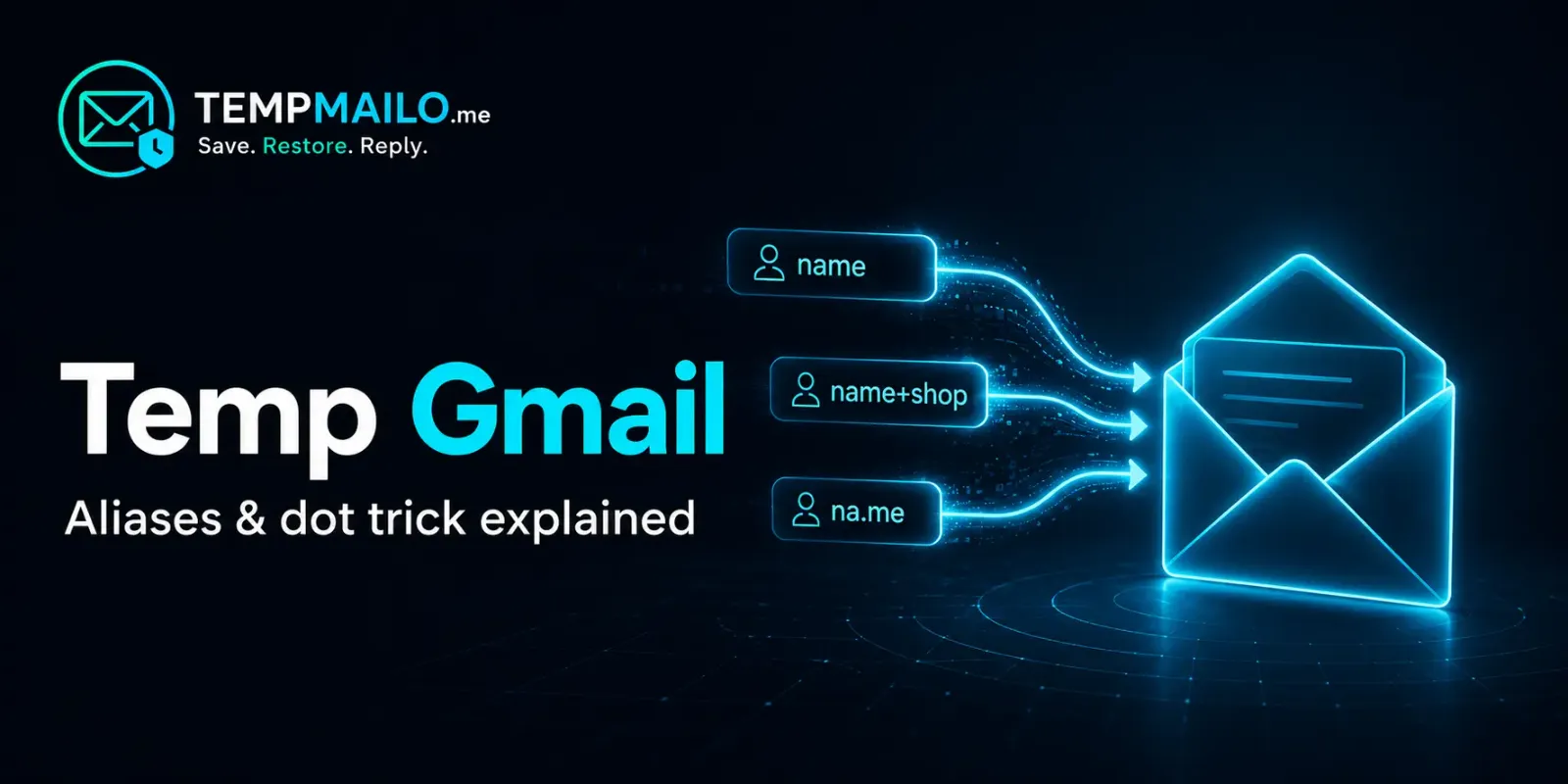
People often search for temp Gmail when they need an email address for a quick sign-up, verification message or one-time online activity. However, Gmail does not provide a built-in disposable inbox that automatically expires. Instead, it offers address variations that can help organize messages while keeping everything connected to the same Google account.
This guide explains what temporary Gmail usually means, how Gmail plus aliases and the Gmail dot trick work, and how these options compare with a genuinely separate temporary email address.
Table of Contents
What Is Temp Gmail?
“Temp Gmail” is an informal search term rather than the name of an official Google product. People using this phrase may be looking for:
- A Gmail address they can use for a short time
- A quick variation of their existing Gmail address
- A separate inbox for receiving a verification message
- A way to keep newsletters and promotions organized
- An address that does not reveal their permanent email
These needs are not all the same. Gmail aliases can help organize incoming messages, but they remain connected to the original account. A disposable email address, on the other hand, provides a separate inbox that can be left behind when it is no longer needed.
Does Gmail Offer Temporary Email Addresses?
Gmail does not offer a standard feature that creates a new disposable Gmail inbox and automatically deletes it after a set period. A regular Gmail address belongs to a persistent Google account and may be used for account access, password recovery, Google services and long-term communication.
Gmail does provide two useful ways to create variations of a personal address:
- Plus addressing: Add a plus sign and a word after your username.
- Dot variations: Add or remove dots within the username.
Both methods deliver messages to the existing Gmail inbox. They do not produce a new Google account, a private second mailbox or an automatically expiring address.
| Option | Creates a new inbox? | Hides the original address? | Best use |
|---|---|---|---|
| Gmail plus alias | No | No | Filtering and organizing messages |
| Gmail dot variation | No | No | Alternative formatting of the same address |
| Temporary email inbox | Yes, separate from Gmail | Yes | Temporary, low-risk online activity |
How Gmail Plus Addressing Works
Plus addressing lets you add a plus sign followed by a label before @gmail.com. Gmail still sends the message to your regular inbox.
For example, if your address is:
exampleuser@gmail.com
You could use variations such as:
exampleuser+shopping@gmail.comexampleuser+newsletters@gmail.comexampleuser+travel@gmail.com
Messages sent to these variations should arrive at exampleuser@gmail.com. The word after the plus sign can also help you identify where an address was used.
Organizing plus-addressed messages
You can combine plus addressing with Gmail filters and labels. For example, messages sent to exampleuser+shopping@gmail.com could automatically receive a “Shopping” label or move to a selected folder.
A simple workflow is:
- Choose a descriptive word after the plus sign.
- Use that variation for a suitable website or newsletter.
- Create a Gmail filter using the complete address in the “To” field.
- Choose a label or another automatic action for matching messages.
Google provides more details about these variations in its official Gmail alias documentation.
How the Gmail Dot Trick Works
For personal @gmail.com accounts, Gmail does not treat dots inside the username as meaningful. Adding or removing dots therefore creates different written versions of the same address, not separate accounts.
For example, these variations lead to the same personal Gmail inbox:
exampleuser@gmail.comexample.user@gmail.comex.ample.user@gmail.come.x.a.m.p.l.e.u.s.e.r@gmail.com
Google confirms that the owner of a personal Gmail address also owns its dotted variations. No other person can register one of those variations as a separate Gmail account.
You can verify this behavior in Google’s official explanation of dots in Gmail addresses.
Does adding dots create a new Gmail address?
No. It only changes how the address is written. Messages still arrive in the same inbox, use the same Google account and depend on the same password.
Some website forms may accept a dotted variation as a different entry, while other websites normalize Gmail addresses or reject unnecessary variations. You should not use this behavior to bypass account limits, repeat promotions or violate a website’s rules.
@gmail.com addresses. Dots may be handled differently on work, school and custom Google Workspace domains.
Gmail Plus Alias vs Gmail Dot Trick
Both methods send messages to your original inbox, but plus addressing is generally more useful for organization because the added label can describe why the address was used.
| Feature | Plus addressing | Dot trick |
|---|---|---|
| Example | name+shopping@gmail.com |
na.me@gmail.com |
| Destination | Original Gmail inbox | Original Gmail inbox |
| Separate Google account | No | No |
| Useful for filters | Yes | Possible, but less descriptive |
| Protects the original username | No | No |
| Accepted by every website | No | No |
Gmail Aliases vs Temporary Email
The right choice depends on whether you want to organize messages inside Gmail or keep an online activity separate from your permanent address.
| Feature | Gmail variation | TempMailo inbox |
|---|---|---|
| Separate inbox | No | Yes |
| Traditional registration required | Google account required | No |
| Reveals the primary Gmail username | Yes | No |
| Suitable for long-term accounts | Yes | Not recommended |
| Useful for Gmail filters | Yes | Not applicable |
| Can be abandoned separately | No | Yes |
| Save and restore option | Account remains accessible | Available with TempMailo |
A Gmail variation is useful when you trust the sender and expect an ongoing relationship. A free temporary inbox is more suitable when you only need to receive a short-term message without sharing your primary Gmail address.
Which Option Should You Use?
Use a Gmail plus alias when:
- You want newsletters automatically labeled
- You trust the website receiving your address
- You may need the messages in the future
- You want everything delivered to one permanent inbox
- You need reliable long-term account recovery
Use a Gmail dot variation when:
- You need an alternative written form of your personal Gmail address
- You understand that it remains the same account
- The website accepts dotted Gmail variations
Use a temporary inbox when:
- You are testing a new or unfamiliar online service
- You only need a one-time confirmation message
- You want to keep promotions away from your Gmail inbox
- You do not want to reveal your permanent address
- You do not need the address for important long-term recovery
If you might need the address again, TempMailo also provides a way to save and restore your temporary inbox.
How to Create a Separate Temporary Inbox
Creating an independent temporary inbox is different from modifying a Gmail address. Instead of sending messages to your existing Google account, the temporary address receives them in a separate inbox.
- Open the TempMailo email generator.
- Copy the automatically generated email address.
- Enter it on the website from which you expect a message.
- Return to TempMailo and wait for the message to appear.
- Check the sender before opening links or downloading attachments.
- Save the inbox if you expect another message later.
For a detailed explanation of the technology and its appropriate uses, read our complete disposable email guide.
Important Limitations and Safety Advice
Neither Gmail variations nor temporary email addresses provide complete anonymity. Websites may still collect technical information such as cookies, browser details, IP addresses and account activity.
Keep the following limitations in mind:
- Plus aliases are easy to recognize: A website can remove everything between the plus sign and
@gmail.com. - Dotted variations expose the same username: Removing the dots reveals the standard form of the address.
- Some websites reject variations: Forms may block plus signs or normalize Gmail addresses.
- Temporary inboxes are not suitable for every account: Important accounts may need reliable access years later.
- Email does not make every message trustworthy: Confirm the sender before opening unexpected links or files.
Use a secure permanent email account for banking, payments, government services, medical records, professional communication and accounts containing purchases or valuable information.
For more guidance about risks and appropriate use, read our article explaining whether temporary email is safe.
Temp Gmail, Burner Mail and Disposable Email
These phrases are sometimes used as if they mean the same thing, but there are important differences:
- Temp Gmail commonly refers to a Gmail variation or a temporary address someone hopes will use the Gmail domain.
- Burner mail is generally an address used for one short-term purpose.
- Disposable email is an address that can be abandoned when it is no longer needed.
- Gmail alias is an address variation or additional sending identity linked to an existing account.
You can explore the short-term address concept further in our burner mail guide.
Frequently Asked Questions
Can I create a temporary Gmail account?
You can create a regular Google account and stop using it later, but Gmail does not provide a dedicated account type that automatically expires like a temporary inbox. Creating multiple Google accounts may also require verification and remains subject to Google’s policies.
Does Gmail have disposable email addresses?
Gmail supports plus aliases and dotted versions of personal addresses, but these are not genuinely disposable mailboxes. They remain connected to the original Gmail inbox and Google account.
What is an example of a Gmail plus alias?
If your address is exampleuser@gmail.com, you could use exampleuser+shopping@gmail.com. Messages sent to it arrive in the original inbox.
How many Gmail plus aliases can I use?
You can create different plus-label variations without separately registering each one. However, websites may reject plus signs, and the variations should not be used to evade platform limits or policies.
Does the Gmail dot trick create a new inbox?
No. Personal Gmail addresses ignore dots inside the username. Dotted and undotted versions deliver messages to the same inbox.
Can someone register the version of my Gmail address without dots?
No. For personal Gmail accounts, Google treats the dotted and undotted versions as the same address. Another person cannot register one of those variations as a separate Gmail account.
Does the Gmail dot trick work with Google Workspace?
Not necessarily. Google’s dot rule is documented for personal @gmail.com addresses. Work, school and custom-domain addresses may be managed differently by their administrators.
Can websites detect Gmail address variations?
Yes. Websites can identify plus aliases or remove dots when processing Gmail addresses. Some services accept variations, while others normalize or reject them.
Is a Gmail alias better than temporary email?
A Gmail alias is better for organizing messages you want to keep. Temporary email is better for suitable short-term activities when you do not want to expose your permanent Gmail address.
Can I save a temporary email address?
That depends on the provider. TempMailo offers a save and restore feature for users who may need to return to the same temporary inbox later.
Should I use temporary email for an important account?
No. Use a secure permanent address for any account that requires long-term access, sensitive communication or dependable password recovery.
Final Thoughts
Gmail’s plus-address and dot features are useful, but they do not create genuinely temporary Gmail accounts. Every variation remains connected to the same inbox, account and permanent username.
Use a Gmail plus alias when you want to organize trusted messages with filters and labels. Use the dot trick only as an alternative form of your existing address. When you need a genuinely separate inbox for a temporary, low-risk task, a disposable email service provides clearer separation from your primary account.
Need a Separate Temporary Inbox?
Generate a free temporary email address without exposing your personal Gmail inbox.
Generate a Free Email