Can You Save a Temporary Email Address? Complete Guide for 2026
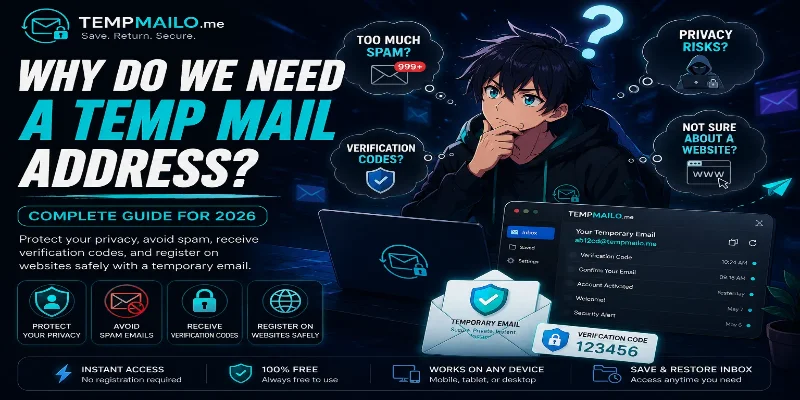
Short-term inboxes are usually created for quick online use. People use them to receive confirmation messages, activation links, trial account emails, and one-time codes without exposing their personal inbox.
But what happens if you need to return to the same inbox later? With many traditional services, access disappears after a short time. TempMailo.me solves this problem with a Save and Restore Inbox feature that gives users more control over important messages.
Table of Contents
- What Does Saving an Inbox Mean?
- Why Saving Access Matters
- How Save and Restore Works
- Main Benefits
- When You Should Save It
- When You Should Avoid It
- Best Practices
- Frequently Asked Questions
What Does Saving an Inbox Mean?
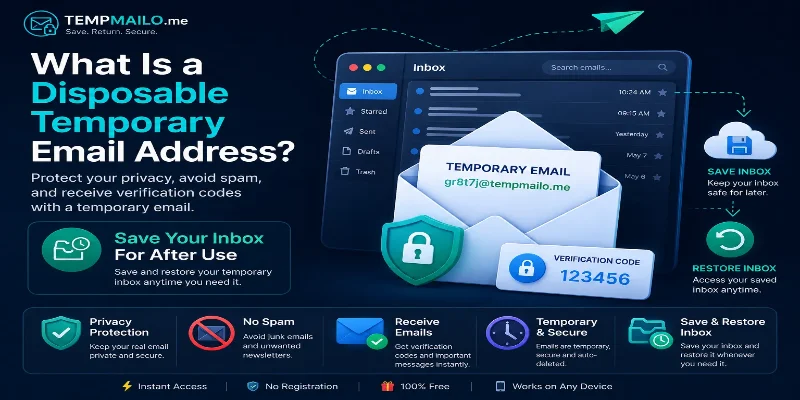
Saving an inbox means keeping a way to return to it later. Instead of losing access after a session ends, you can restore the same inbox when you need to view previous messages again.
This is useful because many websites may send more than one message. You might receive a confirmation today, then another security message or account notice later.
If you are new to this topic, read our guide about what a disposable email address is and how it works.
Why Saving Access Matters
Most short-term inboxes are built for one-time use. That works for simple tasks, but it can become a problem when the message is important.
For example, you may create an account, receive a confirmation link, and then need another login code later. If the inbox is gone, account recovery may become difficult.
Saving access gives users a safer balance between privacy and convenience. You can avoid sharing your personal email while still keeping access to useful messages.
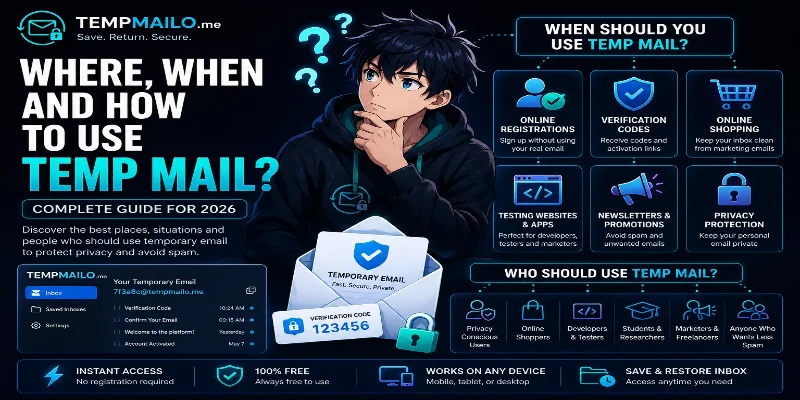
For more general use cases, see where and when to use temp mail safely.
How Save and Restore Works
The process is simple. You generate an inbox, use it on the website or app you need, receive your message, and save access if you may need it again.
- Visit TempMailo.me.
- Copy the generated inbox address.
- Use it on the website that requires email access.
- Wait for the confirmation message or code.
- Save the inbox if the message may be useful later.
- Restore it when you need to return.
This makes TempMailo more flexible than services that only support one-time access.
Main Benefits
- Return to the same inbox later.
- Keep access to account confirmations.
- Reduce exposure of your personal email.
- Avoid losing useful messages too quickly.
- Separate low-risk registrations from your main inbox.
- Improve testing workflows for websites and apps.
- Keep more control over online signups.
If your main goal is privacy, our article on how temporary email protects your privacy explains why using a separate inbox can reduce unnecessary exposure.
When You Should Save It
You should save an inbox when there is a chance you may need to see messages again. This is especially useful for accounts that may send another confirmation or access email later.
- Trial accounts you may revisit.
- Forum or community registrations.
- Download links you may need again.
- Software testing and QA workflows.
- Account activation messages.
- Online shopping confirmations for low-risk purchases.
- Temporary project accounts.
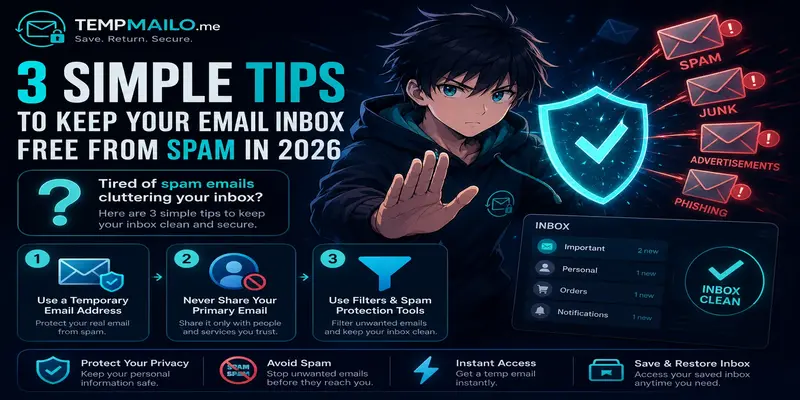
For spam prevention, you can also read 3 simple tips to keep your email inbox free from spam.
When You Should Avoid It
Short-term inboxes are useful, but they are not the right choice for every account. Some services require long-term access, secure recovery, identity verification, or sensitive personal information.
Avoid using this type of inbox for:
- Banking and financial accounts.
- Government services.
- Primary business accounts.
- Important personal accounts.
- Paid subscriptions you cannot risk losing.
- Cloud storage or password managers.
- Accounts containing private documents.
For those situations, use a permanent email account with strong security settings.
Best Practices
To get the best results, use temporary inboxes only for the right situations. Keep your personal email for important accounts and use a separate inbox for low-risk online activity.
- Save the inbox if the message may matter later.
- Do not use it for sensitive accounts.
- Keep important codes or links stored safely.
- Use strong passwords for accounts you create.
- Avoid sharing private personal data through short-term inboxes.
- Use your main email for long-term services.
You can learn more about the feature on the Save Temp Email page.
Frequently Asked Questions
Can you save a temporary email address?
Yes. TempMailo lets users save and restore inboxes when they need access again later.
Why would I need to save an inbox?
You may need to return to confirmation messages, activation links, download emails, or account notices.
Is saving an inbox free?
TempMailo provides free access to its basic temporary inbox features, including receiving messages online.
Should I use it for important accounts?
No. For banking, business, government, or long-term personal accounts, use a permanent secure email address.
Can it help reduce spam?
Yes. Using a separate inbox for low-risk registrations can help keep your personal inbox cleaner.
Final Thoughts
Saving an inbox gives users more flexibility than traditional one-time services. It helps you protect your personal email while keeping access to useful messages when needed.
TempMailo.me combines quick inbox generation with Save and Restore functionality, making it practical for privacy, testing, registrations, and account confirmations.
Related Resources: