Where, When and How to Use Temp Mail in 2026
Many websites ask for an email address before giving access to downloads, accounts, discounts, communities, or online tools. Sometimes this is necessary, but in many cases you only need to receive one confirmation message and move on.
Temp mail is useful in those moments. It lets you receive messages without exposing your personal inbox to every website you visit. Used correctly, it can help reduce spam, protect privacy, and make online registrations safer.
Table of Contents
- What Is Temp Mail?
- Where to Use It
- Who Should Use It?
- How to Use It Safely
- Receiving Verification Codes
- Save and Restore Inbox
- Best Practices
- When You Should Avoid It
- Frequently Asked Questions
What Is Temp Mail?
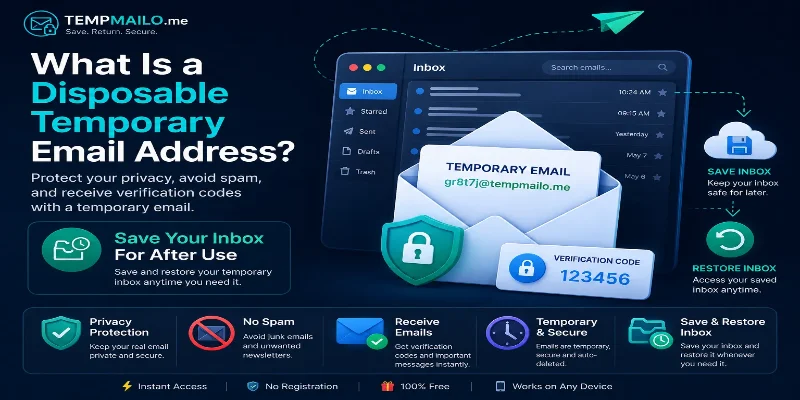
Temp mail is a short-term inbox that allows you to receive emails without using your personal account. It is commonly used for quick signups, account confirmations, downloads, testing, and one-time messages.
If you want a deeper explanation, read our guide about what a disposable email address is and how it works.
The main idea is simple: use your personal email for important accounts, and use a separate inbox for low-risk situations where long-term access is not always required.
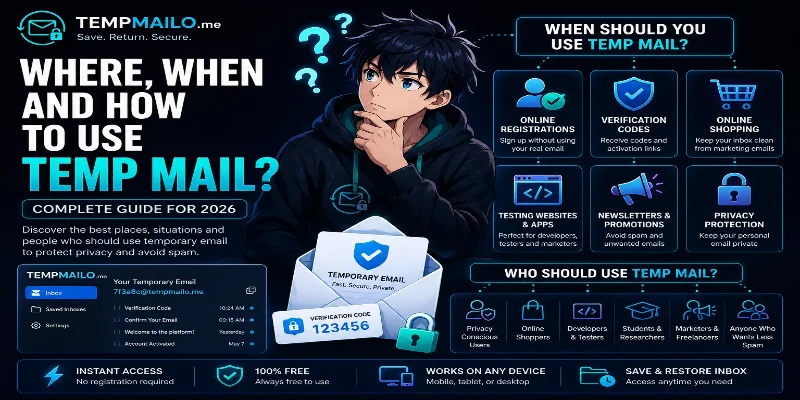
Where to Use It
A short-term inbox is most useful when a website asks for an address but you do not want to receive future marketing messages or expose your personal contact information.
Online registrations
Many websites require an email address before you can access content or create an account. A temporary inbox lets you complete the registration while keeping your main inbox private.
Downloads and free resources
Some websites ask for an email before allowing you to download an ebook, template, guide, software file, or coupon. If you only need the file once, using a separate inbox is often more practical.
Newsletters and promotions
Discounts and giveaways often require an email address. If you are not sure whether you want future messages from that brand, a short-term inbox can help prevent clutter.
Testing websites and apps
Developers, marketers, and testers often need to check sign-up forms, email delivery, account creation, and confirmation flows. In those cases, using a separate inbox saves time and keeps testing away from personal accounts.
Social and community accounts
Forums, communities, and discussion platforms may require email confirmation. For low-risk accounts, a temporary inbox can be useful. For important accounts, use a permanent address you control.
For more reasons people use this type of service, read why a temp mail address can be useful.
Who Should Use It?
This tool is useful for many types of users, but especially for people who want more control over where their personal email address is shared.
- People who want to avoid spam.
- Users who care about online privacy.
- Developers testing registration systems.
- Students downloading online resources.
- Online shoppers checking discounts or offers.
- Marketers testing email flows.
- Anyone trying a website before trusting it.
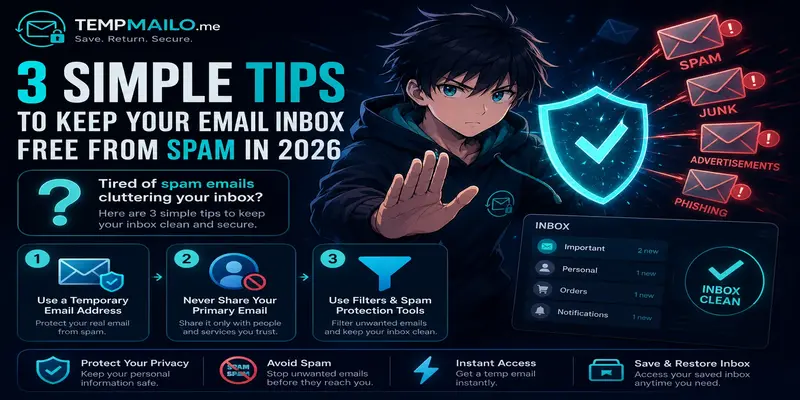
It is also helpful if your inbox is already full of unwanted messages. Our guide on keeping your email inbox free from spam explains more practical steps.
How to Use It Safely
Using TempMailo is simple. You do not need to install anything or create an account for basic use.
- Open TempMailo.me.
- Copy the generated address.
- Paste it on the website that requires email access.
- Wait for the message to arrive in the inbox.
- Open the email and use the confirmation link or code.
- Save the inbox if you may need access later.
This process works best for simple registrations, testing, and one-time confirmations. For important long-term accounts, always use a secure permanent email address.
Receiving Verification Codes
One of the most common uses is receiving verification codes. Many websites send a confirmation email before activating an account or allowing access to a feature.
In many cases, a short-term inbox can receive activation links, account confirmations, and one-time codes normally. This makes it useful for trial accounts, testing, downloads, and quick signups.
However, not every platform accepts every email domain. Some services may block temporary inbox providers or require additional verification. That is normal and depends on the platform's own rules.
Save and Restore Inbox
One problem with many short-term inbox services is that access may disappear after a short period. This can be frustrating if you need to return to a message later.
TempMailo includes a Save and Restore Inbox feature. This allows users to keep access to an inbox when they may need previous messages, activation links, or account confirmations.
You can learn more in our guide: Can you save a temporary email address?
For a full comparison, read why Save and Restore Inbox is better than traditional temp mail.
Best Practices
To use this type of inbox safely, follow a few simple rules.
- Use it for low-risk registrations and quick confirmations.
- Do not use it for banking, government, or business accounts.
- Save the inbox if you may need access again.
- Avoid sharing sensitive personal information through temporary messages.
- Use your permanent email for accounts you cannot risk losing.
- Check whether the website is trustworthy before clicking links.
- Use strong passwords for any account you create.
These habits help you get the privacy benefits without creating problems later.
When You Should Avoid It
A temporary inbox is not the right choice for every situation. Some accounts require long-term access, account recovery, identity verification, or strong security.
Avoid using it for:
- Banking and financial services.
- Government accounts.
- Important business tools.
- Primary social media accounts.
- Paid services you plan to keep.
- Cloud storage or password managers.
- Accounts containing sensitive personal information.
For those situations, use a permanent email account with strong security settings and two-factor authentication.
Frequently Asked Questions
Is temp mail free?
Yes. TempMailo lets users generate an inbox and receive messages for free.
Can it receive verification codes?
In many cases, yes. It can receive confirmation links, activation messages, and one-time codes from many websites.
Can I save my inbox?
Yes. TempMailo allows users to save and restore inboxes when they may need access later. You can visit the Save Temp Email page for more details.
Should I use it for important accounts?
No. For banking, work, government, or long-term personal accounts, use a secure permanent email address.
Does it protect my privacy?
It can help reduce exposure of your personal inbox. For more details, read our article on how temporary email protects your privacy online.
Conclusion
Temp mail is useful when you need quick email access without exposing your personal inbox. It can help with registrations, downloads, testing, verification messages, and spam control.
The key is to use it wisely. Keep your permanent email for important accounts, and use a separate inbox for low-risk situations. With TempMailo, you can also save and restore your inbox when access to previous messages matters.
Related Resources: