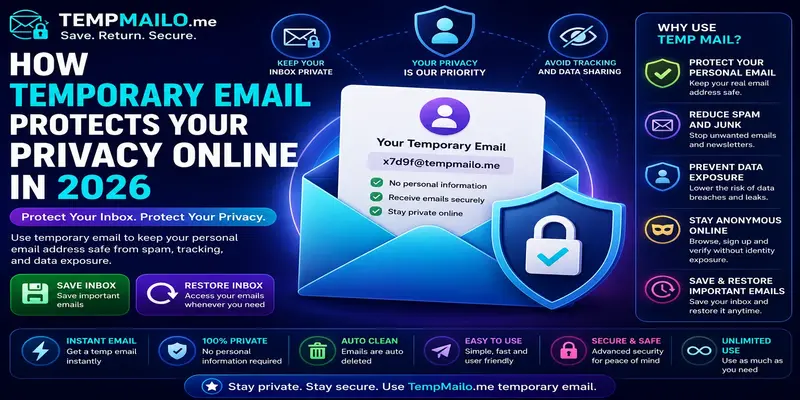
How Temporary Email Protects Your Privacy Online in 2026
Online privacy is becoming harder to protect. Websites, apps, stores, forums, and digital services often ask for an email address before allowing access to content, downloads, accounts, or special offers.
Sharing your main inbox may seem harmless, but over time it creates a trail of personal data across many platforms. This can lead to unwanted messages, tracking, advertising, spam, and unnecessary exposure of your personal information.
A temporary email service gives you a simple way to reduce that exposure. Instead of using your personal address everywhere, you can use a separate inbox for low-risk registrations, quick confirmations, and one-time interactions.
Table of Contents
- What Is Temporary Email?
- Why Online Privacy Matters
- How It Helps Protect Your Identity
- Reducing Spam and Unwanted Emails
- Limiting Data Exposure
- Receiving Verification Messages Safely
- Save and Restore Inbox Benefits
- Best Use Cases
- Important Limitations
- Frequently Asked Questions
What Is Temporary Email?
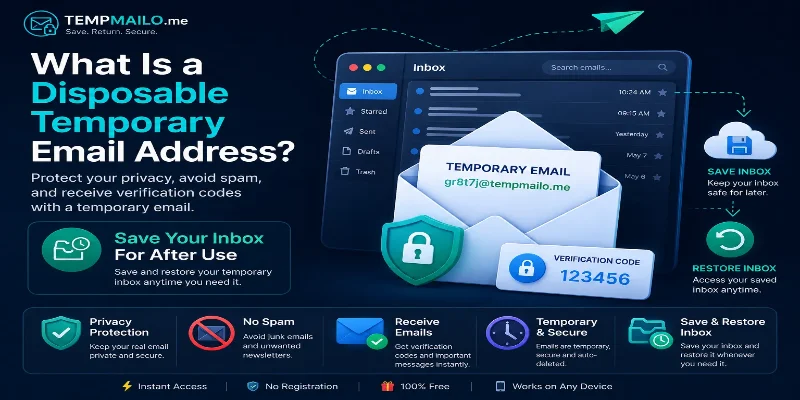
Temporary email is a service that gives users an inbox for receiving messages without using their main email account. It is commonly used for quick signups, downloads, testing, confirmation links, and one-time codes.
If you are new to this topic, read our guide about what a disposable email address is and how it works.
The main purpose is simple: use your permanent email for important accounts, and use a separate inbox when you only need short-term access.
Why Online Privacy Matters
Every time you register on a website, you create a new connection between your email address and an online service. Some companies use this information only for account access, but others may use it for marketing, analytics, tracking, or customer profiling.
As your address appears in more databases, the chance of receiving unwanted messages increases. If a website has poor data protection, your contact details may also become exposed through leaks or shared lists.
Protecting privacy does not mean avoiding the internet. It means controlling where your personal information goes and reducing unnecessary exposure whenever possible.
How It Helps Protect Your Identity
A separate inbox acts as a privacy layer between you and the websites you use. Instead of giving your personal address to every platform, you can keep it reserved for trusted accounts.
This helps reduce how much personal data is connected to your real identity. It is especially useful when you are testing a service, downloading a resource, joining a forum, or signing up for something you may never use again.
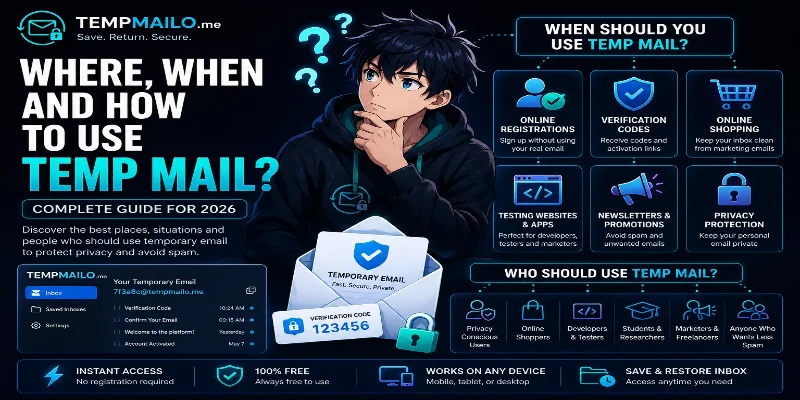
For practical examples, read where and when to use temp mail safely.
Reducing Spam and Unwanted Emails
Spam often starts with a simple signup. A website asks for your email, you enter it once, and later you begin receiving newsletters, promotions, offers, and automated campaigns.
Using a separate inbox for low-risk registrations helps keep your personal account cleaner. If the website starts sending unwanted messages, your main inbox remains protected.
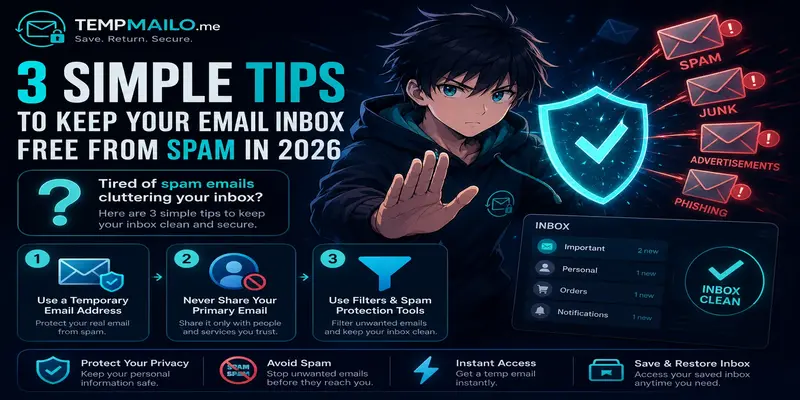
If spam is already a problem, our guide on keeping your email inbox free from spam gives more practical steps.
Limiting Data Exposure
Data exposure happens when your information is stored, shared, leaked, or used in ways you did not expect. An email address may look small, but it can be connected to your name, accounts, shopping activity, social profiles, and online behavior.
By using a separate inbox for less important websites, you reduce the number of places where your real address is stored. This does not make you fully anonymous, but it lowers unnecessary risk.
This is especially helpful when signing up for websites you do not fully trust yet.
Receiving Verification Messages Safely
Many websites only need an inbox to send a confirmation link, activation message, or one-time code. In those situations, using your personal email may not be necessary.
A separate inbox can receive many verification messages normally, making it useful for trial accounts, forums, downloads, software testing, and quick online access.
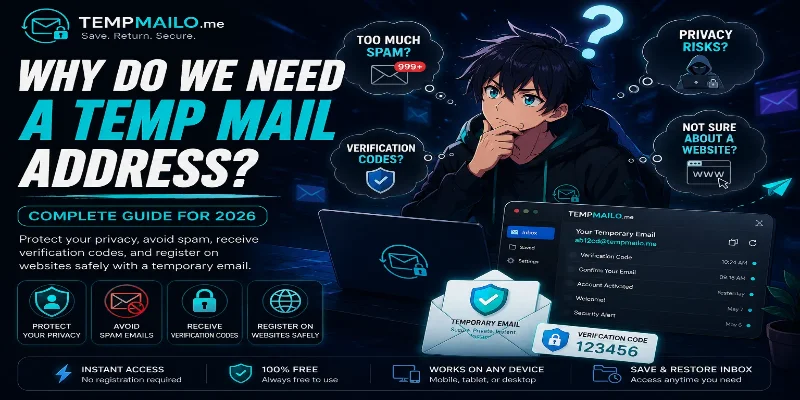
For a deeper explanation of why people use this type of service, read why we need a temp mail address.
Save and Restore Inbox Benefits
One limitation of many short-term inbox services is that access may disappear after a short time. This can be inconvenient if you need to return to an activation link, confirmation message, or account notice later.
TempMailo includes a Save and Restore Inbox feature. This gives users more flexibility by allowing them to return to an inbox when previous messages may still matter.
You can learn more on the Save Temp Email feature page.
For a full guide, read can you save a temporary email address and why Save and Restore Inbox is better than traditional temp mail.
Best Use Cases
This type of inbox is most useful for low-risk online activity where you need to receive a message but do not want to expose your personal address.
- Creating trial accounts.
- Downloading free resources.
- Joining forums or online communities.
- Testing websites and apps.
- Receiving confirmation links.
- Trying new tools before trusting them.
- Keeping newsletters away from your main inbox.
- Separating personal and public registrations.
It can also be helpful for social media testing. For example, you can read our guides about Facebook verification and Instagram sign up.
Important Limitations
Temporary inboxes are useful, but they are not the right choice for every account. Some services require long-term access, strong recovery options, or identity verification.
You should avoid using them for:
- Banking and financial services.
- Government accounts.
- Important business tools.
- Primary social media profiles.
- Paid services you cannot risk losing.
- Cloud storage or password managers.
- Accounts containing sensitive personal information.
For those accounts, use a permanent secure email address that you fully control.
Frequently Asked Questions
Does temporary email protect privacy?
Yes. It helps reduce exposure of your personal address by allowing you to use a separate inbox for low-risk websites and quick registrations.
Can it stop spam completely?
No tool can stop spam completely, but separating signups from your main inbox can greatly reduce unwanted messages.
Can I receive verification codes?
In many cases, yes. Confirmation links, activation messages, and one-time codes can usually be received normally.
Can I save my inbox?
Yes. TempMailo allows users to save and restore inboxes when they may need access again later.
Should I use it for important accounts?
No. For banking, business, government, or long-term personal accounts, use a permanent secure email address.
Conclusion
Temporary email is one of the easiest ways to protect your privacy online. It helps reduce spam, limit data exposure, and keep your main inbox away from low-risk registrations.
TempMailo adds more flexibility with Save and Restore Inbox, giving users the option to return to important messages when needed.
Related Resources: